
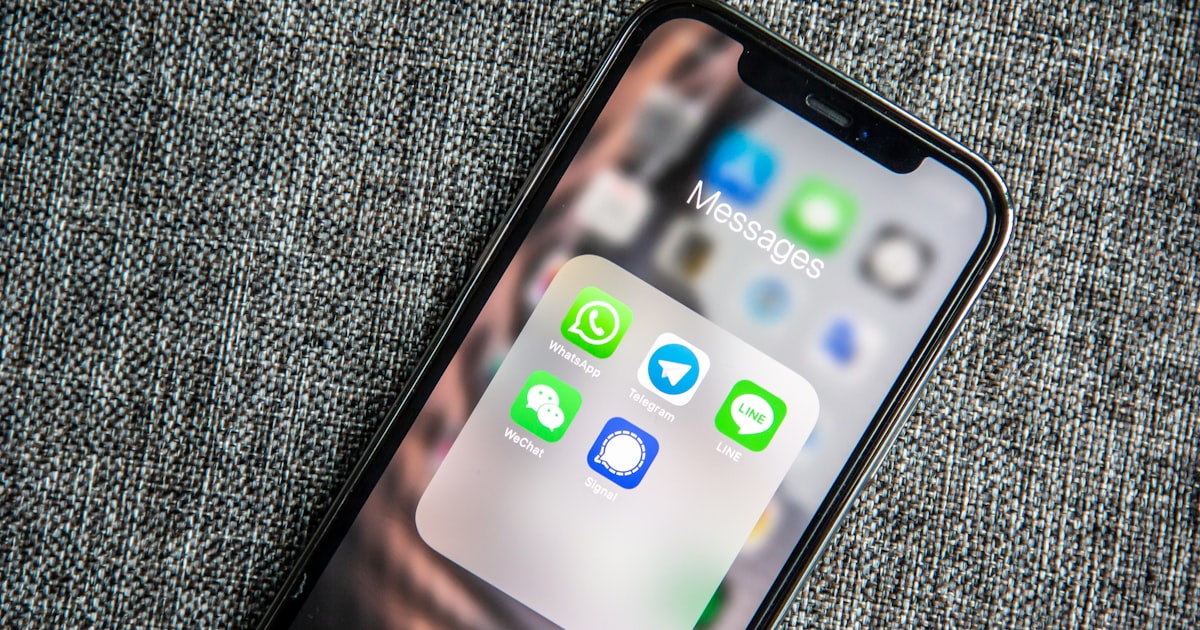
WhatsApp is where conversations happen. Not Slack, not Discord, not Telegram — for most of the world, WhatsApp is the default. Two billion monthly active users, dominant in Europe, Latin America, South Asia, and Africa. If you want an AI assistant that's actually part of your daily life, it needs to be where your daily conversations already are.
The problem is that WhatsApp doesn't offer a bot API for individuals. The WhatsApp Business API exists, but it requires a business account, Meta approval, and a per-message fee structure designed for customer service, not personal assistants. For a developer who wants a personal AI bot in their WhatsApp — one that responds in group chats, remembers context, and runs on their own hardware — the official path is a dead end.
NanoClaw solves this with Baileys, an open-source WhatsApp Web library that connects to WhatsApp's servers the same way the WhatsApp Web client does. You scan a QR code, the connection is established, and NanoClaw can send and receive messages as your WhatsApp account. No business API, no Meta approval, no per-message fees.
The Architecture: Why WhatsApp Is Special
NanoClaw's WhatsApp integration isn't just a message bridge — it's the primary channel that the entire architecture is designed around. While other channels (Telegram, Discord, Slack) are added through Claude Code skills, WhatsApp is built into the core. This isn't favoritism; it's a reflection of how WhatsApp's group model maps naturally to NanoClaw's security model.
WhatsApp groups are the isolation boundary. Each group gets its own container, its own CLAUDE.md memory file, and its own writable workspace. When someone sends a message in a family group, the agent that responds has access only to that group's history and memory. It can't see messages from your work group, can't access your private chat history, and can't read files that belong to other groups. The isolation is enforced by container mounts, not by application logic.
This per-group isolation is what makes NanoClaw safe for the way people actually use WhatsApp. Your family group discusses personal matters. Your work group discusses proprietary projects. Your friend group shares things they wouldn't share publicly. Each of these contexts needs to be separate, and NanoClaw ensures they are — not through access control lists that might have bugs, but through physical container separation that can't be bypassed by application-level exploits.
Setting It Up
The setup process takes about ten minutes, most of which is waiting for npm install.
Clone the repository and install dependencies:
```bash git clone https://github.com/qwibitai/NanoClaw.git cd NanoClaw npm install ```
Configure your environment. The minimum viable configuration is just an Anthropic API key:
```bash echo 'ANTHROPIC_API_KEY=sk-ant-your-key-here' > .env ```
Run the WhatsApp pairing:
```bash npm run auth ```
This displays a QR code in your terminal. Open WhatsApp on your phone, go to Linked Devices, and scan the code. The connection is established, and NanoClaw is now listening for messages.
Start the agent:
```bash npm start ```
That's it. Send a message to any WhatsApp group where you want the bot active, mention the assistant's name (configurable via ASSISTANT_NAME in .env), and it responds. The first response takes a few seconds as the container spins up; subsequent messages in the same session are faster because the container stays warm.
How Messages Flow
Understanding the message flow helps explain why NanoClaw feels responsive despite the container overhead. When a message arrives on WhatsApp, the host process — NanoClaw's ~500-line TypeScript core — receives it via Baileys. It checks whether the message is addressed to the assistant (by name mention or direct message). If it is, the host looks up the group's container state.
If a container is already running for that group (from a recent conversation), the message is routed to it via IPC. The agent inside the container receives the message, processes it with Claude Agent SDK, and sends the response back through IPC. The host forwards the response to WhatsApp. Total added latency: a few milliseconds for IPC, plus whatever Claude's API takes to respond.
If no container is running, the host spawns one. On macOS with Apple Container, this takes 200-400ms. On Linux with Docker, 1-2 seconds. The container receives the group's CLAUDE.md memory file, the conversation history from SQLite, and the API key via stdin. It processes the message and responds. The container stays alive for a configurable timeout (default: 30 minutes) to handle follow-up messages without the spawn overhead.
The result is that most messages — the ones that come during an active conversation — feel instant. The AI response time is dominated by Claude's API latency, not by NanoClaw's infrastructure. Only the first message after a long silence has the container startup overhead, and even that is fast enough that users rarely notice.
Per-Group Memory: The Feature That Makes It Useful
The per-group CLAUDE.md file is what turns a stateless chatbot into a genuinely useful assistant. Each group's memory file accumulates context over time — preferences, ongoing projects, recurring topics, inside jokes. The agent reads this file at the start of every conversation turn, which means it remembers what you told it last week without you having to repeat it.
In a family group, the memory might note dietary preferences, school schedules, and recurring activities. In a work group, it might track project deadlines, team preferences, and technical decisions. In a friend group, it might remember trip plans, restaurant recommendations, and shared interests.
The memory is editable. You can ask the agent to remember something specific ("remember that Mom is allergic to shellfish") or forget something ("forget what I said about the surprise party"). You can also edit the CLAUDE.md file directly — it's a plain text file on your filesystem, not locked inside a database.
The Privacy Reality
Running a WhatsApp AI bot raises legitimate privacy questions, and it's worth being direct about them. The messages that NanoClaw processes are sent to Anthropic's API for Claude to generate responses. This means your WhatsApp messages — or at least the ones addressed to the assistant — leave your device and are processed by Anthropic's servers.
NanoClaw mitigates this in several ways. Only messages explicitly addressed to the assistant are sent to the API — the bot doesn't process or store messages that aren't directed at it. The conversation history stored in SQLite stays on your machine. The CLAUDE.md memory files stay on your machine. And if you configure NanoClaw to use Ollama instead of Anthropic, the AI processing happens locally too — nothing leaves your network.
For most users, the practical privacy posture is: your WhatsApp messages stay on your device except when you explicitly ask the AI assistant a question, at which point that specific message is sent to Anthropic (or processed locally with Ollama). That's a meaningfully better privacy story than cloud AI services that process and store everything you type.
WhatsApp is where your life happens. NanoClaw puts an AI assistant there — with the isolation, memory, and privacy model that makes it safe to use in the groups where you discuss things that actually matter.